Overview:
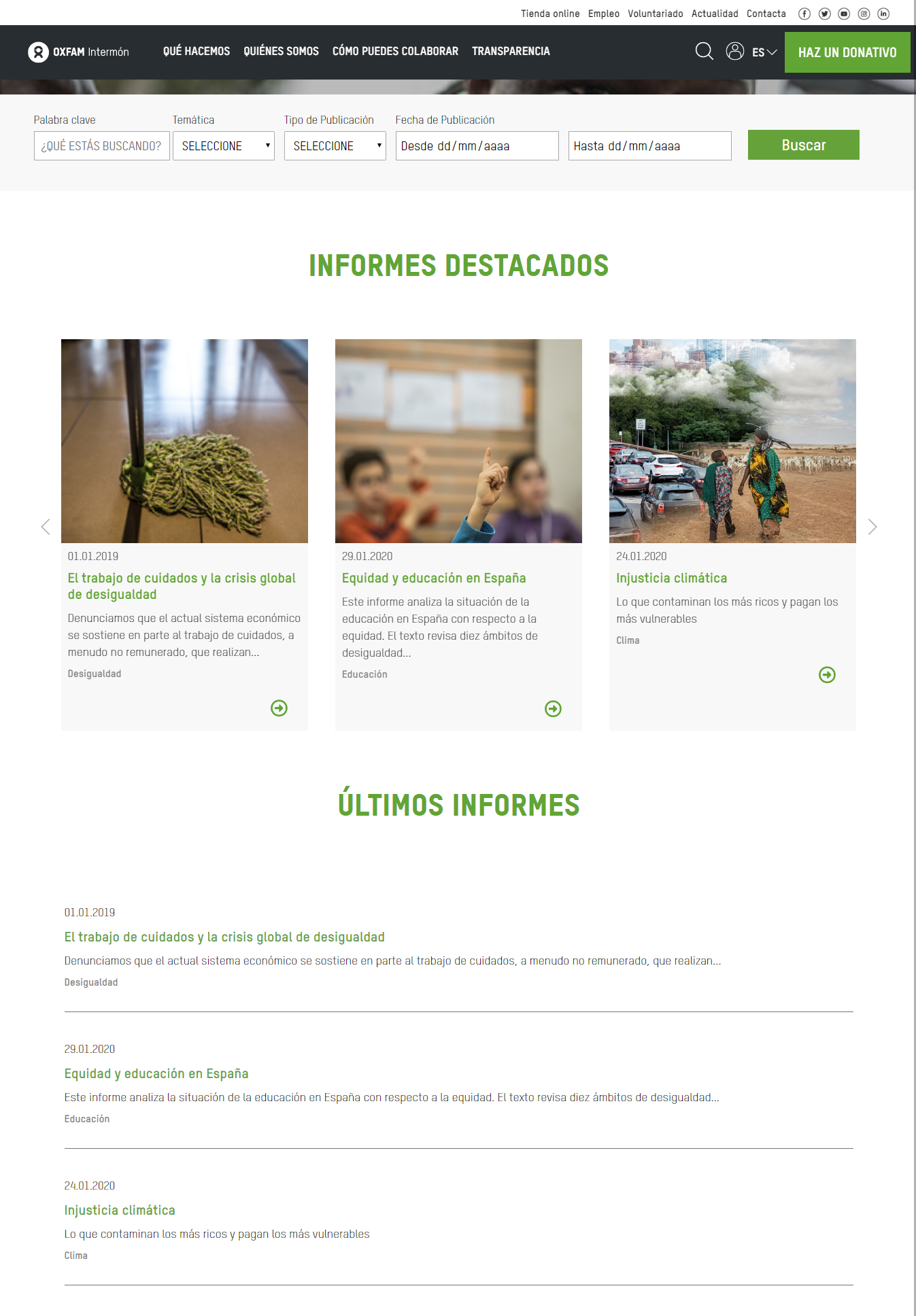
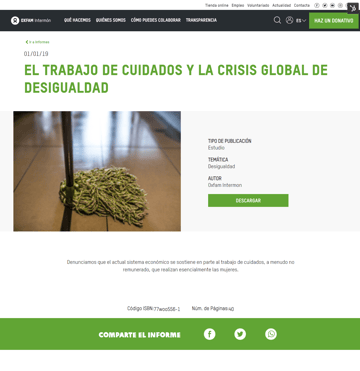
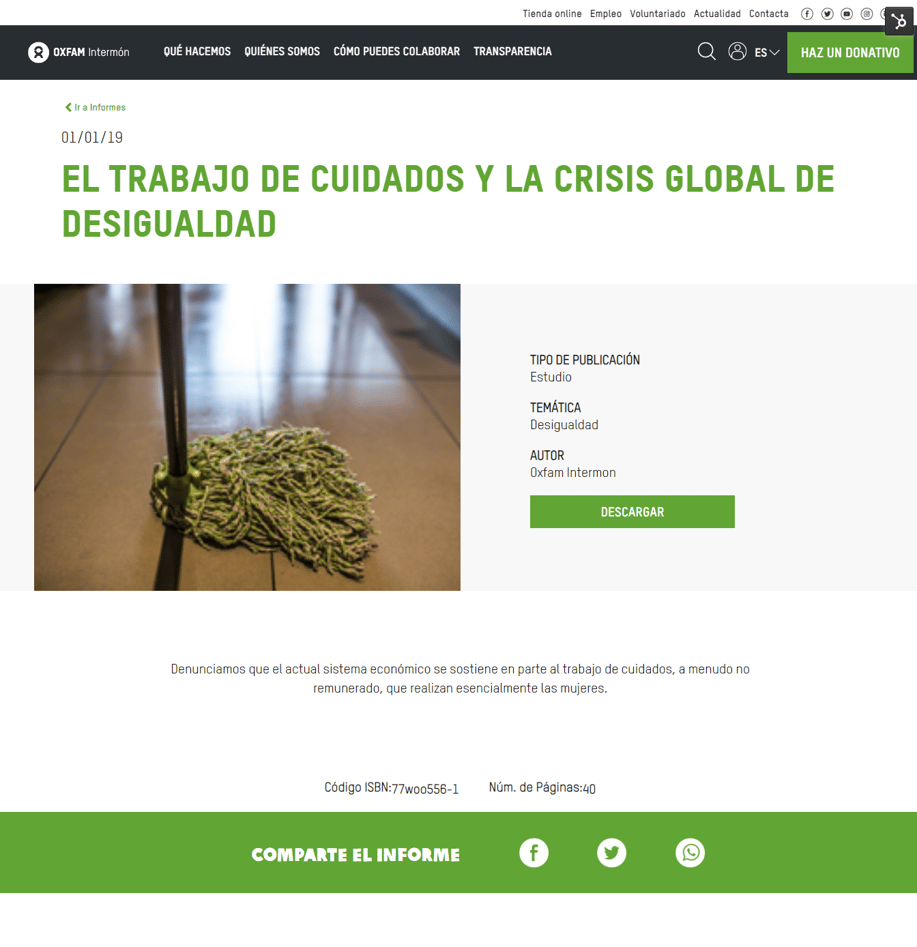
A listing of entries (in this case, reports) was developed so that uploading content to a table in HubDB would generate dynamic pages in the queries, without the need to create different entries or manually update an overview page and create a new detail page with each entry. This ensured the best possible customer experience. These reports are arranged chronologically and can be filtered by various topics such as subject, publication type, publication dates and keywords. We also added the option to highlight specific reports so those reports could be presented in another section on the overview page. A “Report ID” field was used, which allowed us to add different links to offer downloadable reports, while also taking into account that these reports sometimes offered full versions, summaries, translations, and other different versions. This was facilitated with the use of an extra data table. Because each report was associated with a unique ID, we could create and associate any number of reports to this unique identifier.
Problem the company had:
The company needed to create an overview page, a listing page, and a detail page of each report. The pages needed to be easily organized and sorted without needing to create a new entry each time. They also needed the ability to turn each report into a downloadable content offer with multiple versions and translations. To achieve this, we implemented a system of dynamic pages through HubDB.
The Hubspot CMS solution:
Using HubDB, we implemented a system of dynamic pages that created a directory of each entry into the table. We also made it so you could easily filter the listing page and sort through each individual HubDB entry.
Results:
Oxfam intermón team is now able to publish reports easily and offer these reports in each of their respective versions.


 Share
Share Facebook
 Twitter
 LinkedIn
 Email
Email